Pro
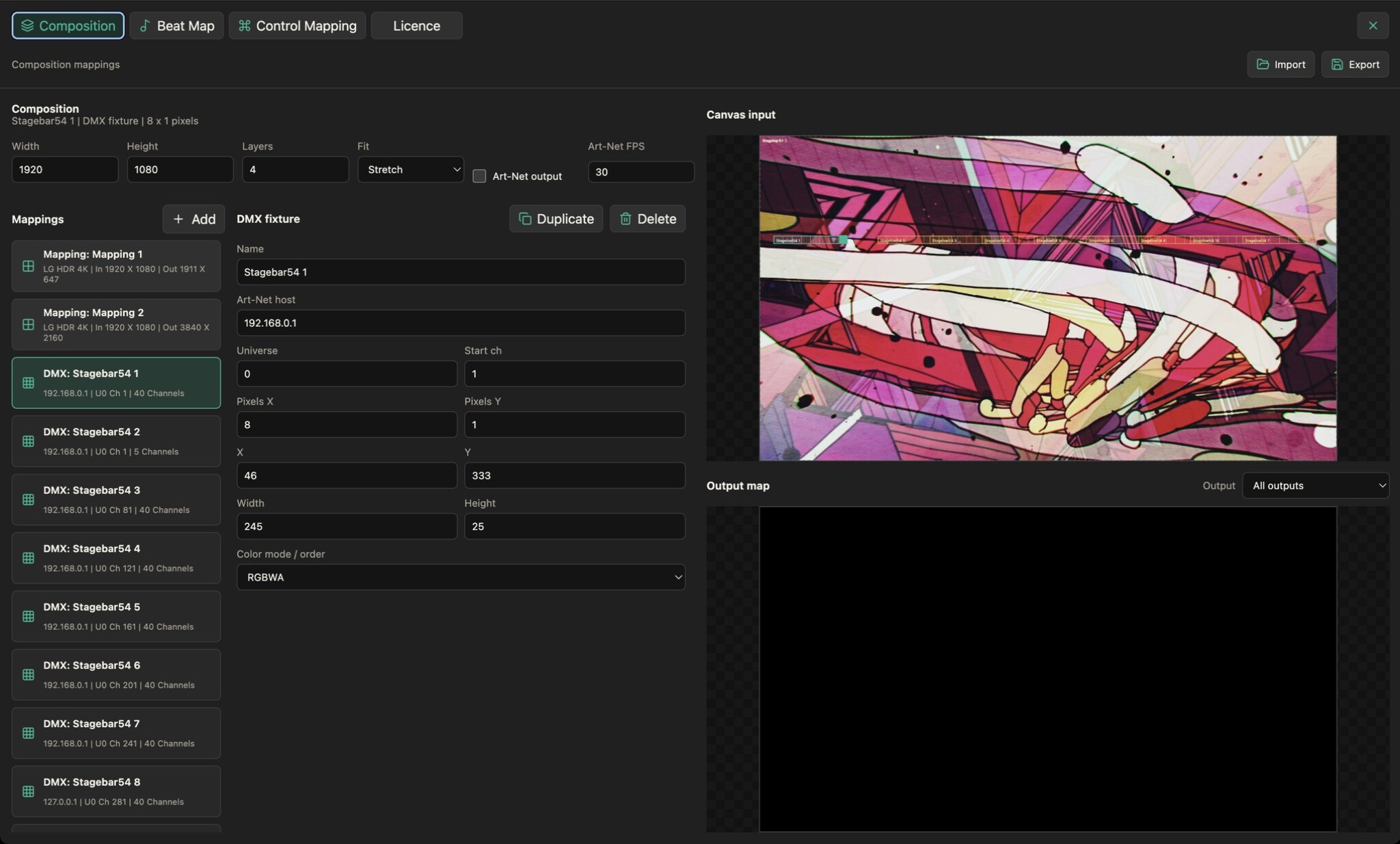
Fit the output to your projection surface. Pro adds advanced geometry and masking tools to the composition mapping workflow.
- Fit the projection surface. Use four-point perspective correction and mesh warping to adjust the mapped image. Keep the source composition separate from the shape of the destination.
- Control where the image appears. Add masks and refine their points to shape the visible output. Use the editor preview to check the result as you adjust your mapping.
- Blend neighbouring outputs. Configure edge blending for adjacent projector mappings. Advanced output is included in Pro; Standard and Free keep these controls visible but disabled.