Standard · Pro
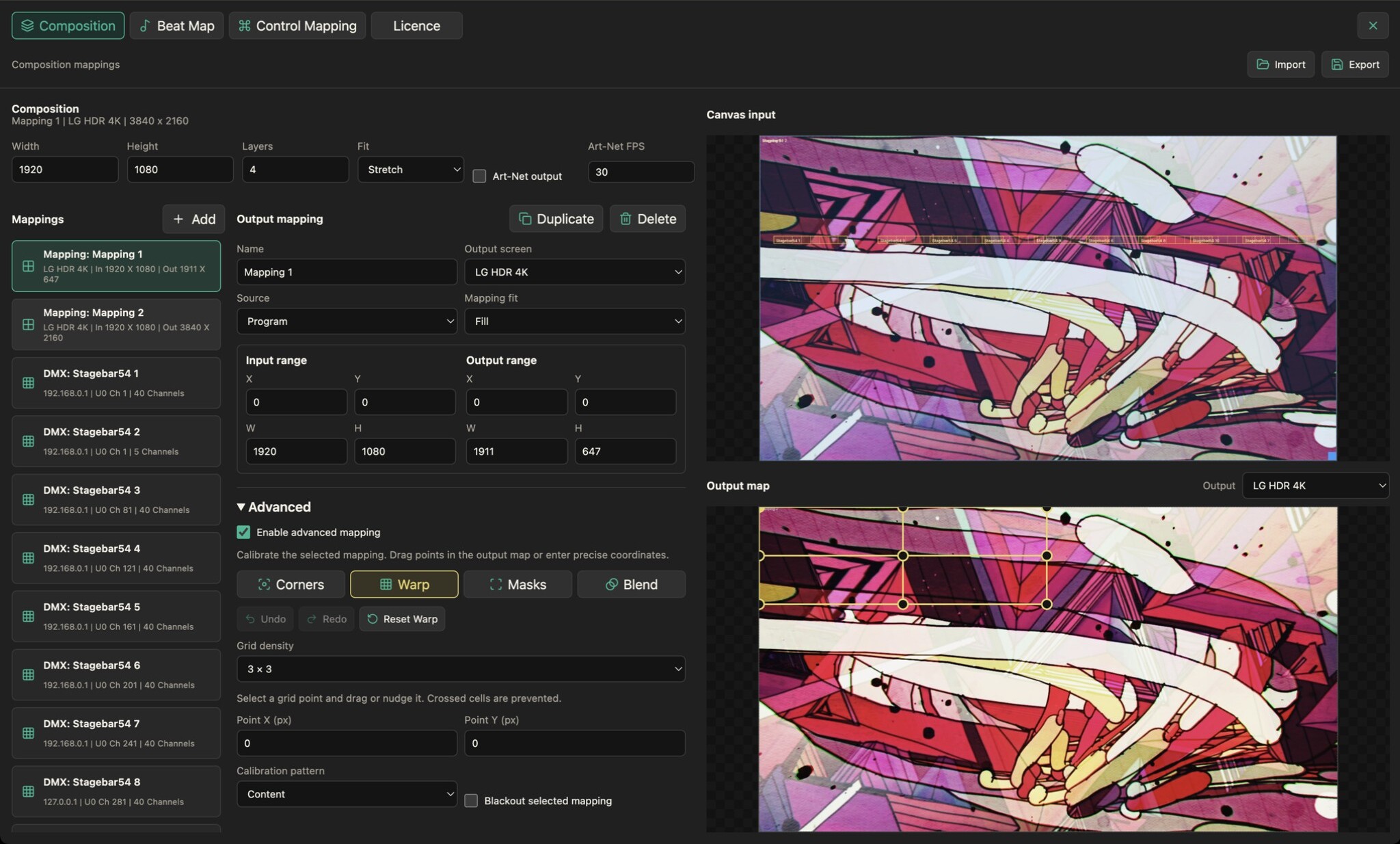
Turn your LED fixtures into a canvas. Place pixel layouts over your composition and send sampled colour to the rig over Art-Net.
- Place fixtures over your visuals. Set each fixture’s position and size in the composition, then define its horizontal and vertical pixel count. Use the preview to check how your content lands on the LED layout.
- Route colour to your rig. Configure the Art-Net host, universe, start address and colour order for each fixture. Set the output frame rate and enable output when you are ready to send to the rig.
- Keep your map with the show. Save fixture and composition settings with your show. Pixel Mapping is available in Standard and Pro; its controls stay visible and disabled in Free.