Standard · Pro
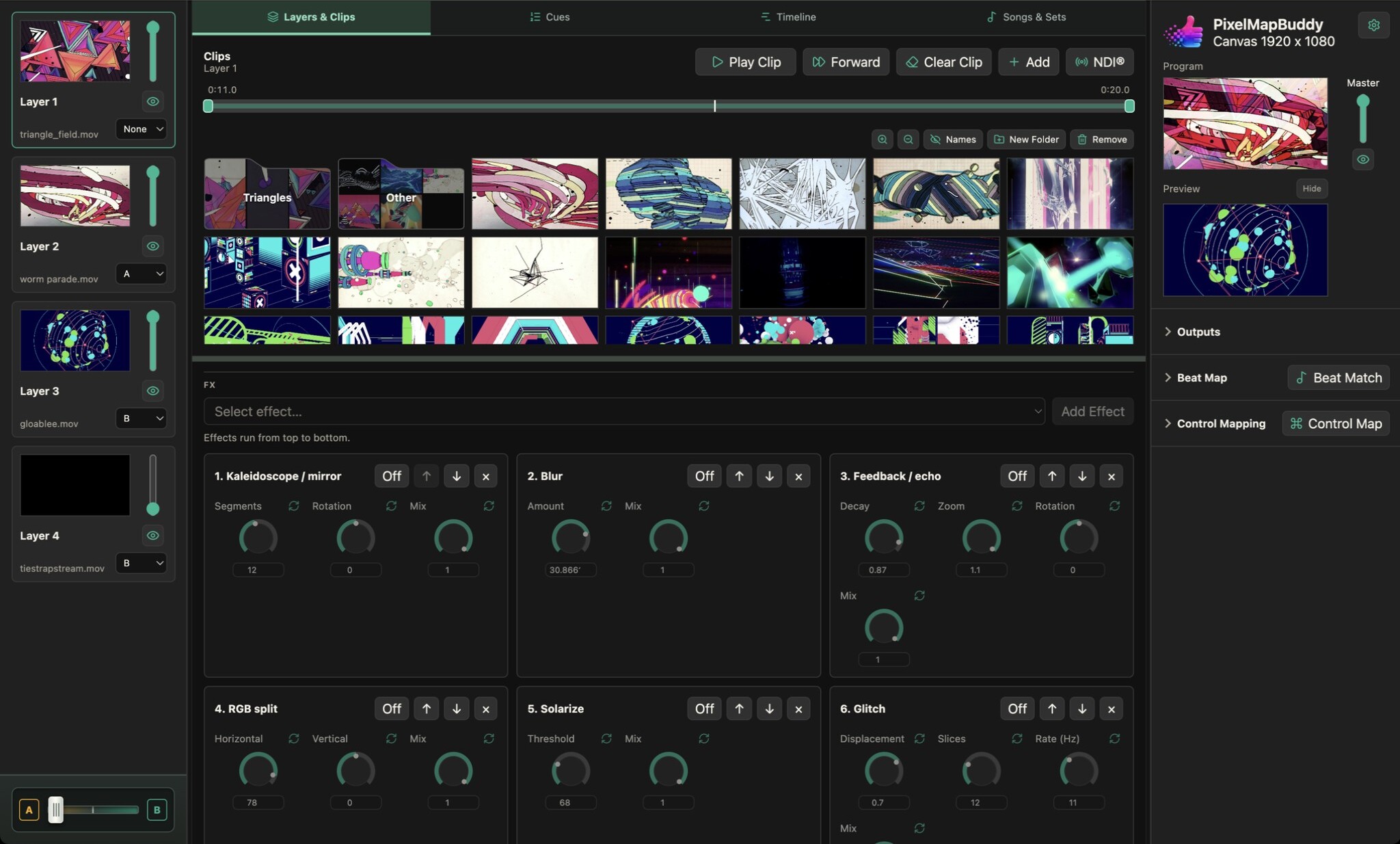
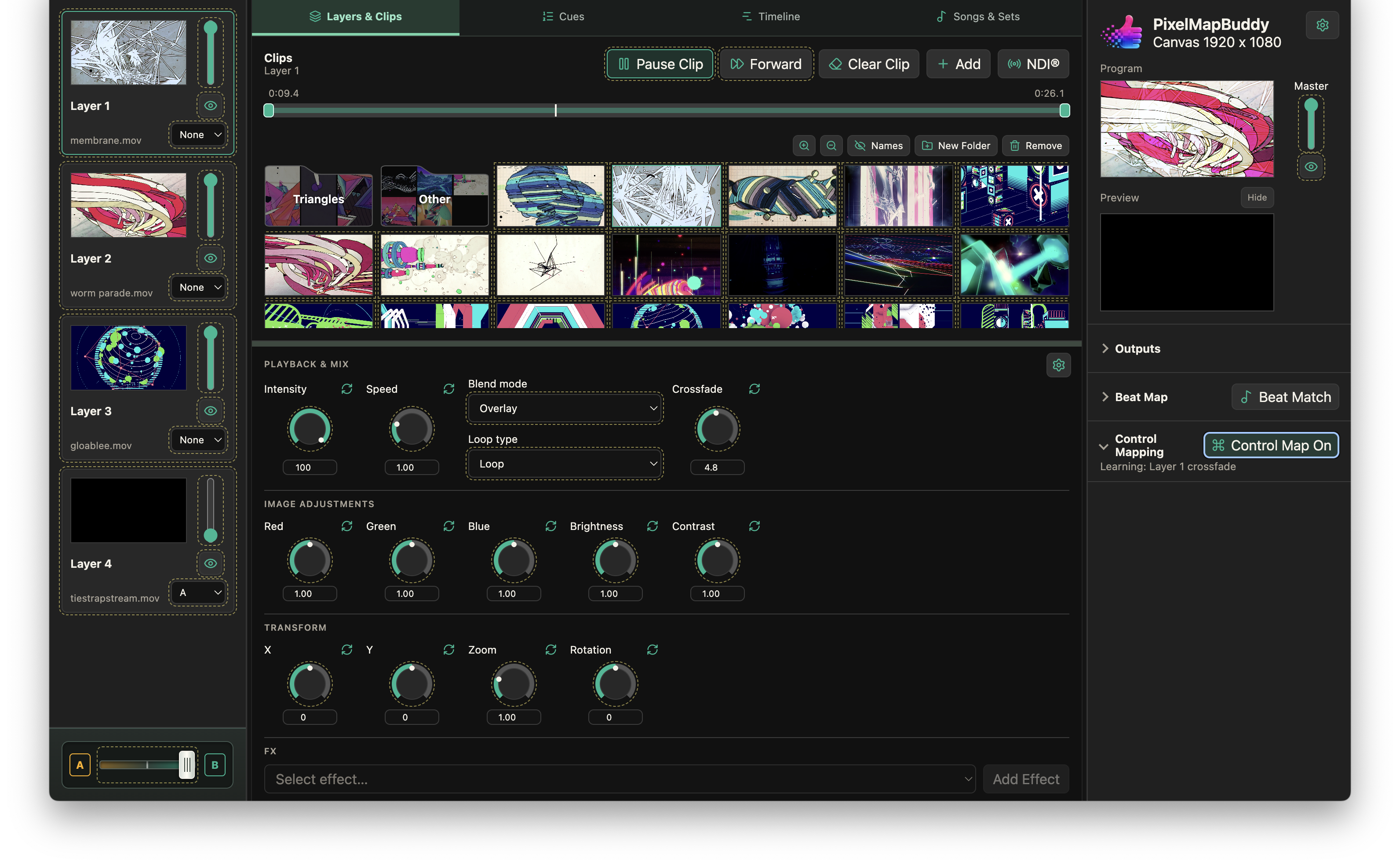
Give your visuals a musical pulse. Beat Map connects parameters to tempo-driven movement so your mix can change with the beat.
- Choose the parameters that move. Create beat mappings for available parameters and choose their target layers. Combine musical movement with the layer and effect controls in your visual mix.
- Set the tempo. Use tap tempo or listen to a selected audio input for BPM detection. Review the tempo and mapping result in the live preview before sending it to the stage.
- Keep the performance flexible. Beat Map is included in Standard and Pro. Free keeps the controls visible but disables beat mappings; upgrade and activate your PB licence in Settings to use them.