Free · Standard · Pro
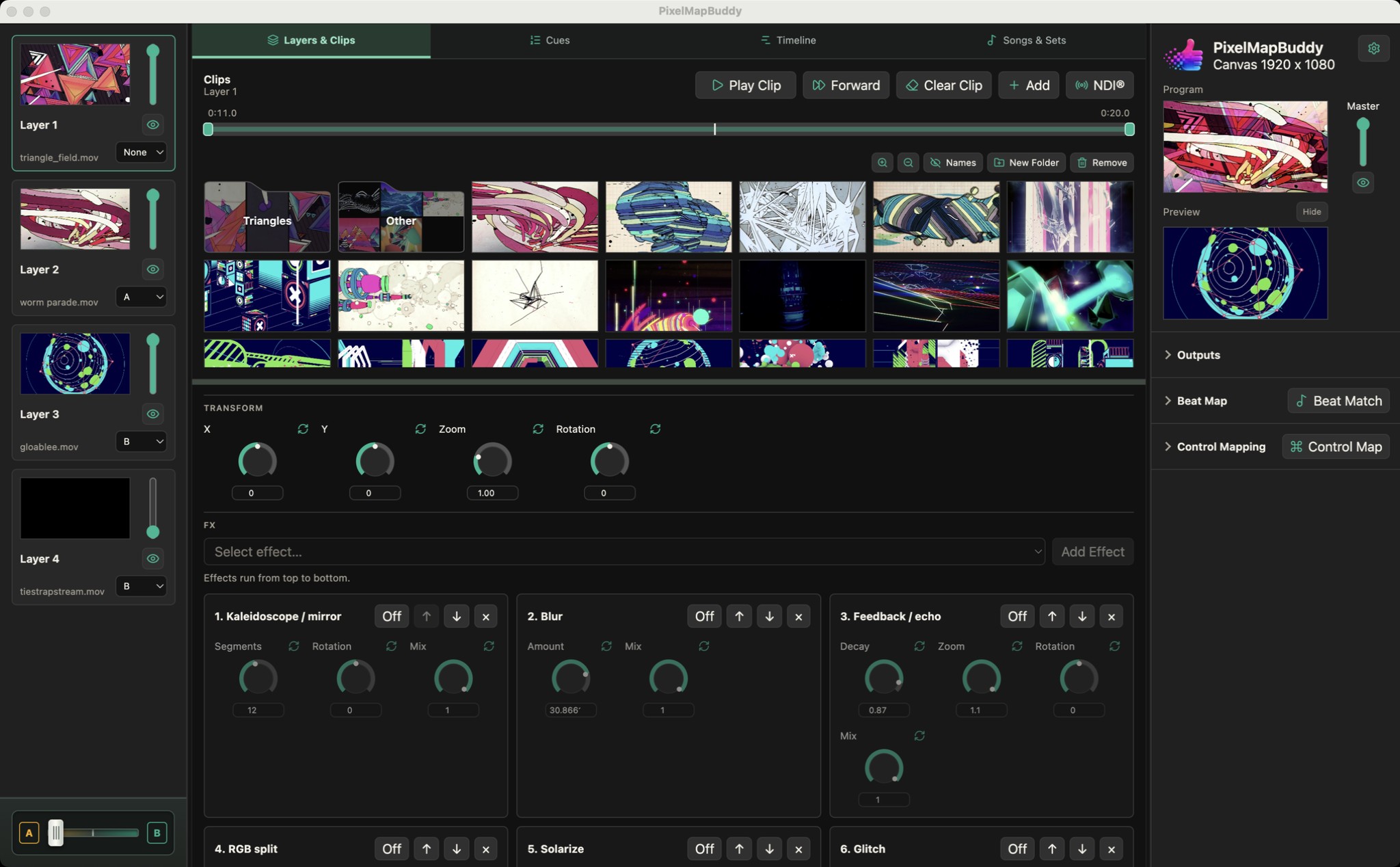
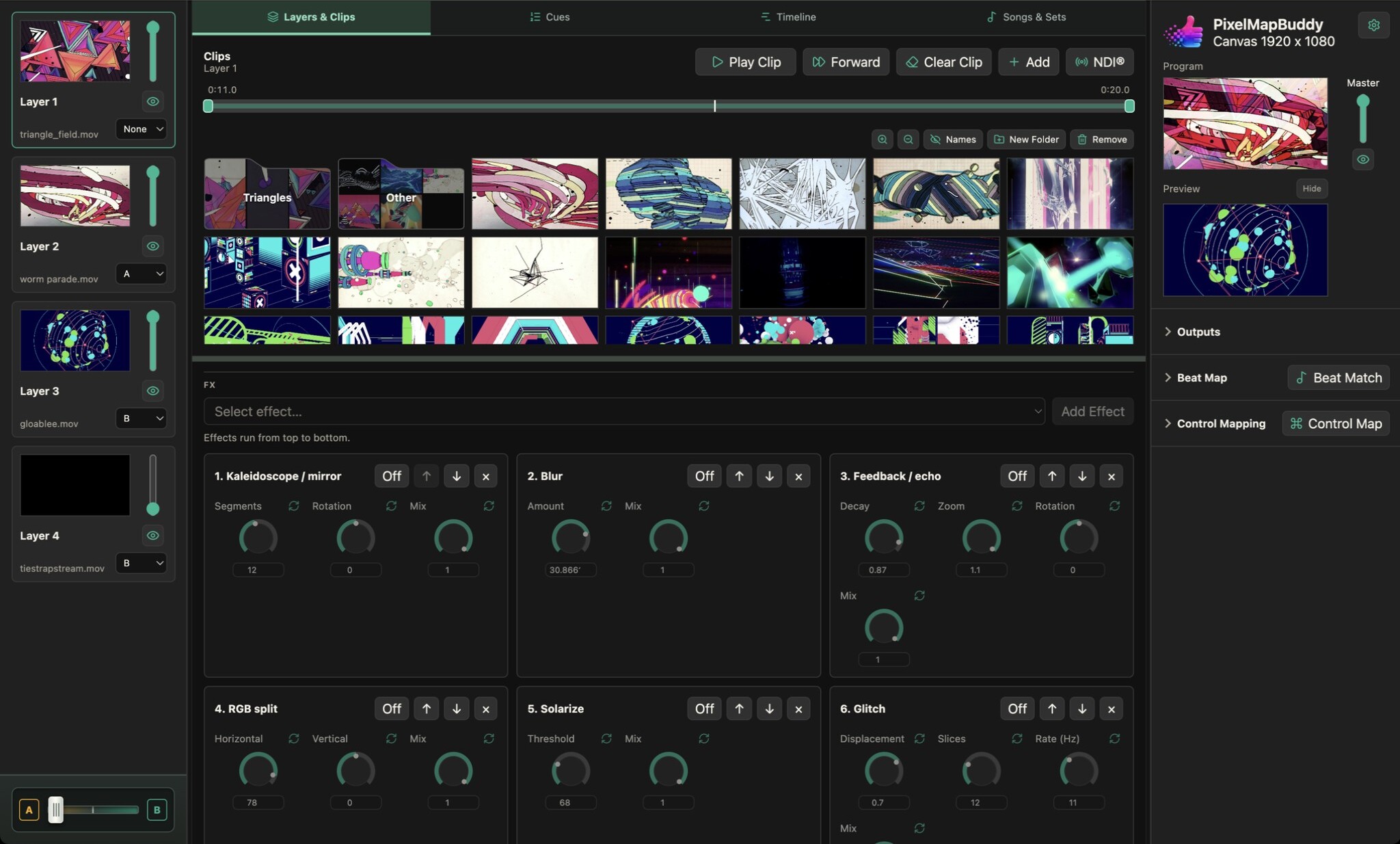
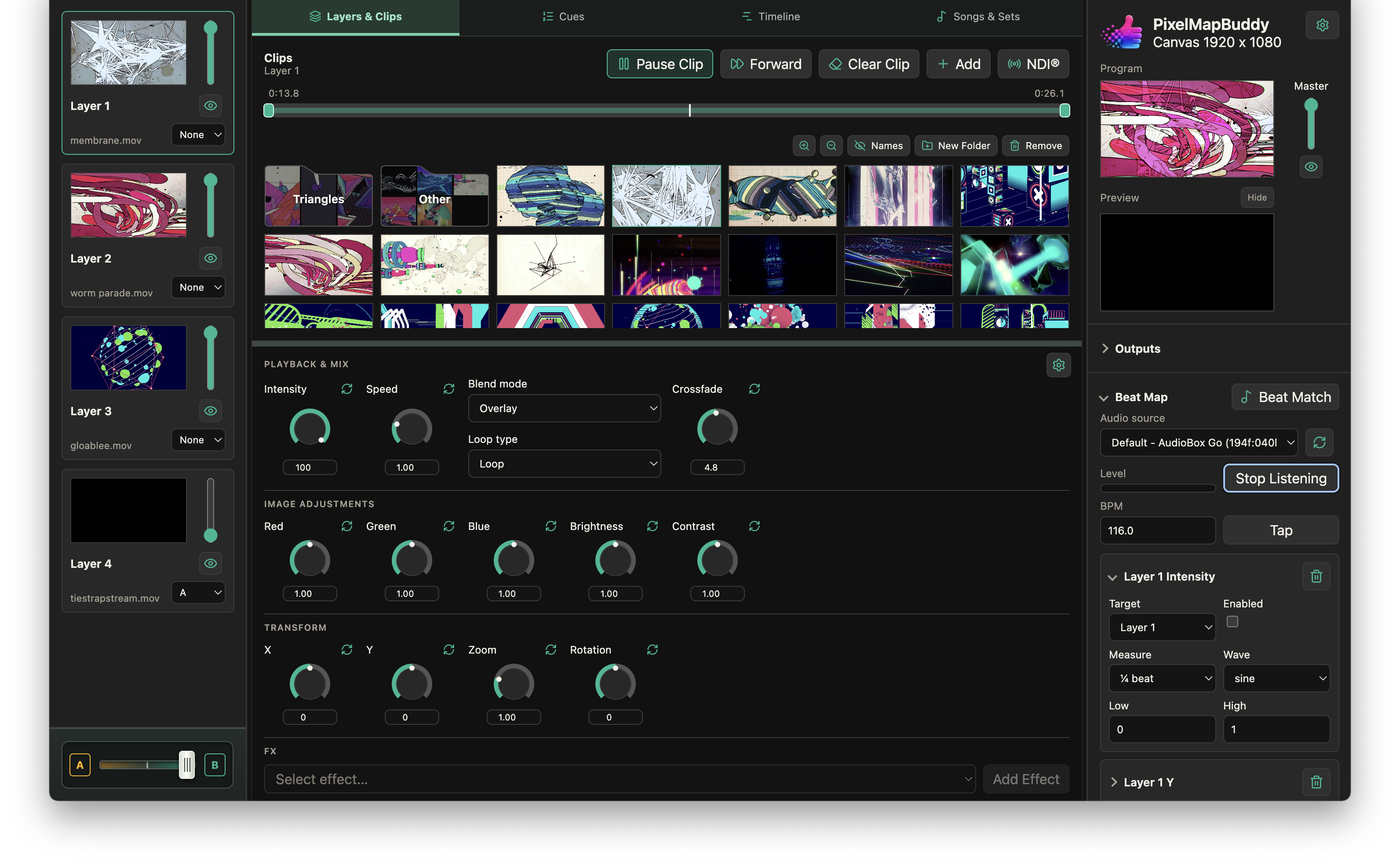
Put your visual controls on the hardware and software you already use. Map MIDI, OSC and DMX inputs to supported parameters in the workspace.
- Choose the control and its target. Create mappings for the parameters you need during a performance. Target individual layers or the current layer and review the mapping in Settings → Control Mapping.
- Connect your control source. Use MIDI controllers, configure OSC input or set up DMX input. The app includes a default DMX mapping template and a GDTF control-surface personality export.
- Follow the active edition. Control Mapping is available in every edition. Mapped controls follow the current licence: features such as Pixel Mapping, Beat Map and show programming need their corresponding paid edition.