Standard · Pro
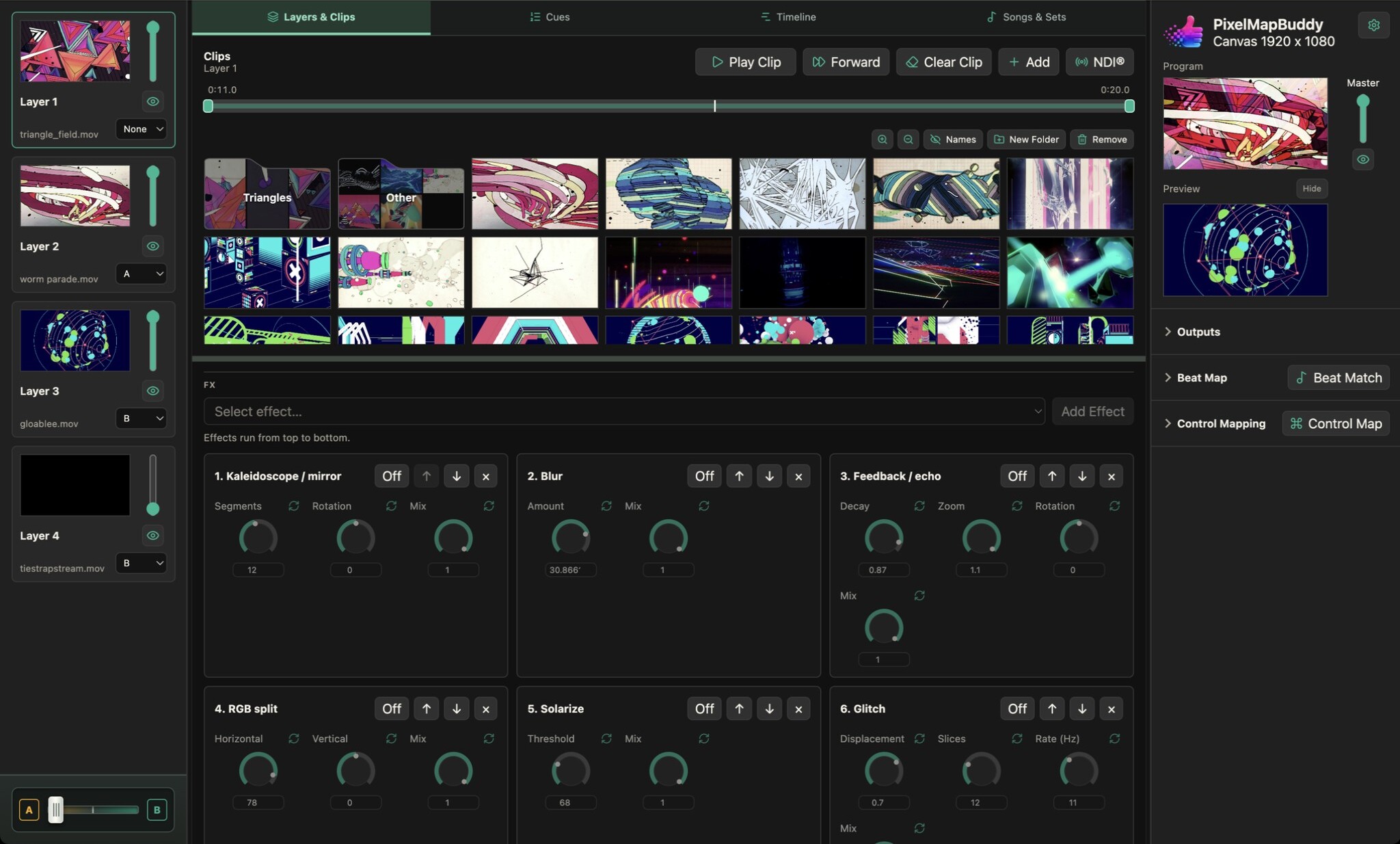
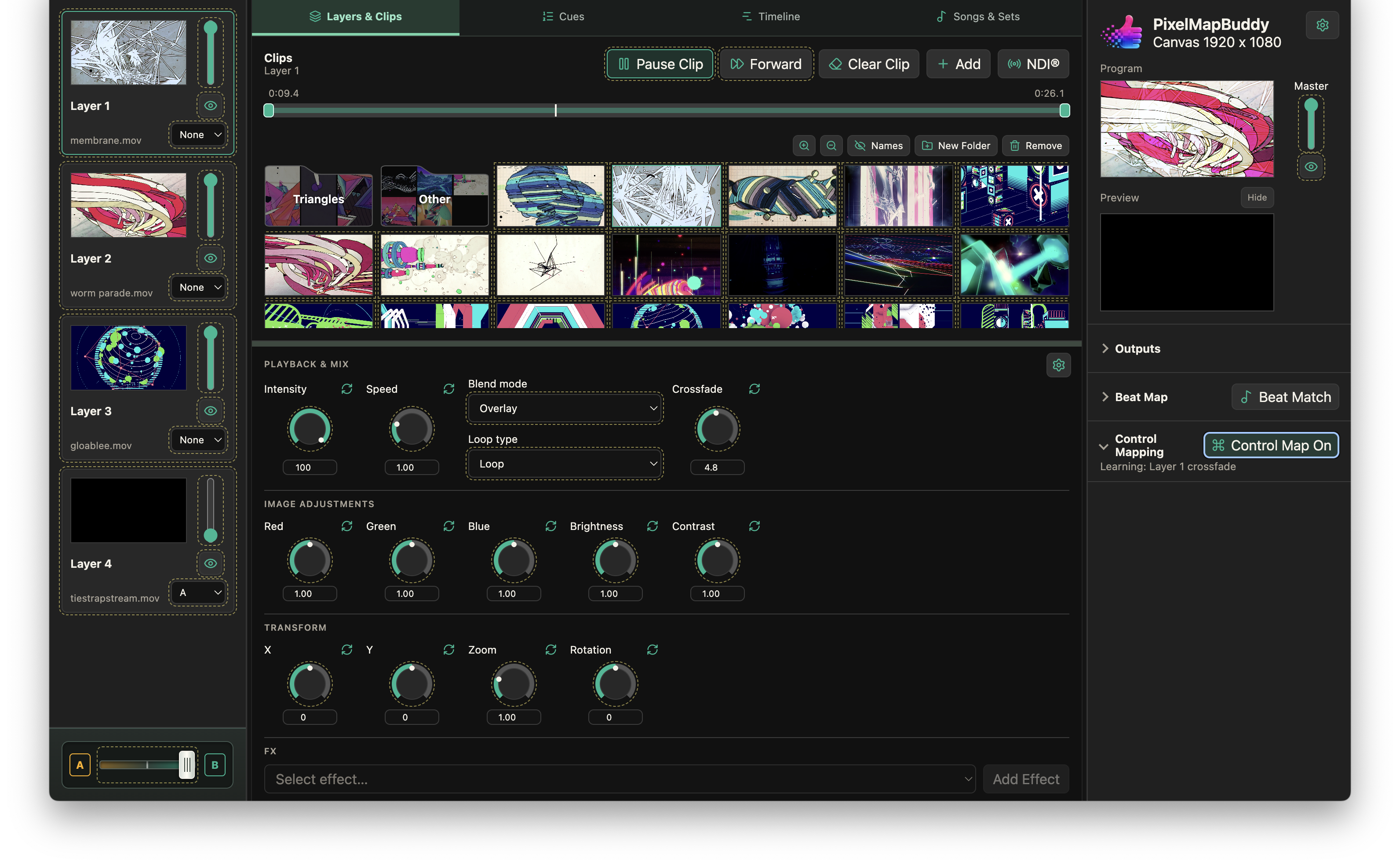
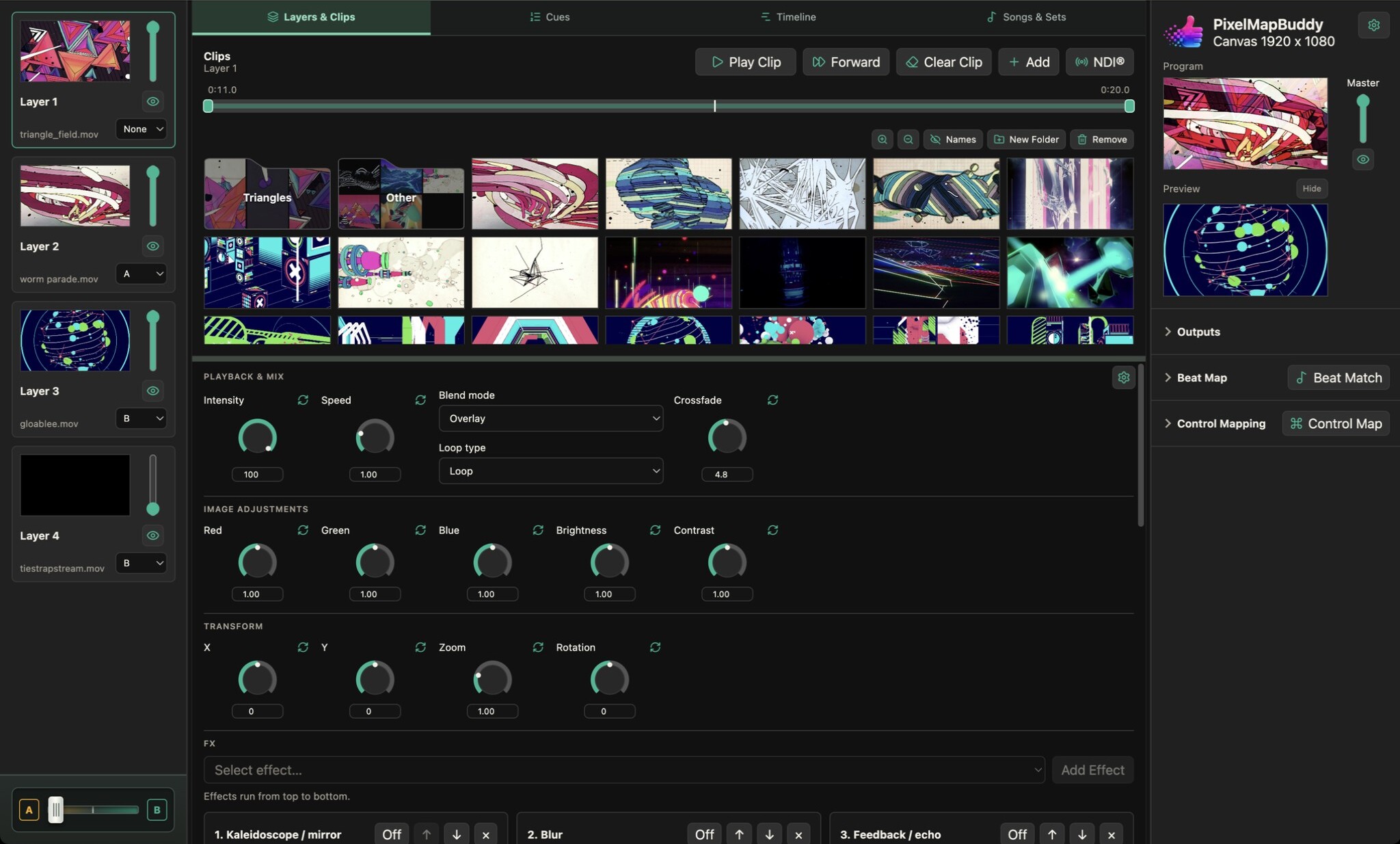
Adjust red, green, blue, brightness and contrast on each layer to match your media to the mood of your show.
- Balance the colour. Use separate red, green and blue controls to tint a source or adjust its colour balance while watching the programme preview.
- Shape brightness and contrast. Lift or darken the image and adjust contrast independently of layer intensity. Apply adjustments to individual layers rather than the whole library.
- Perform and reset. Choose a control style that suits your workflow and reset individual parameters to their defaults. Map supported colour controls to external inputs for live operation.