Free · Standard · Pro
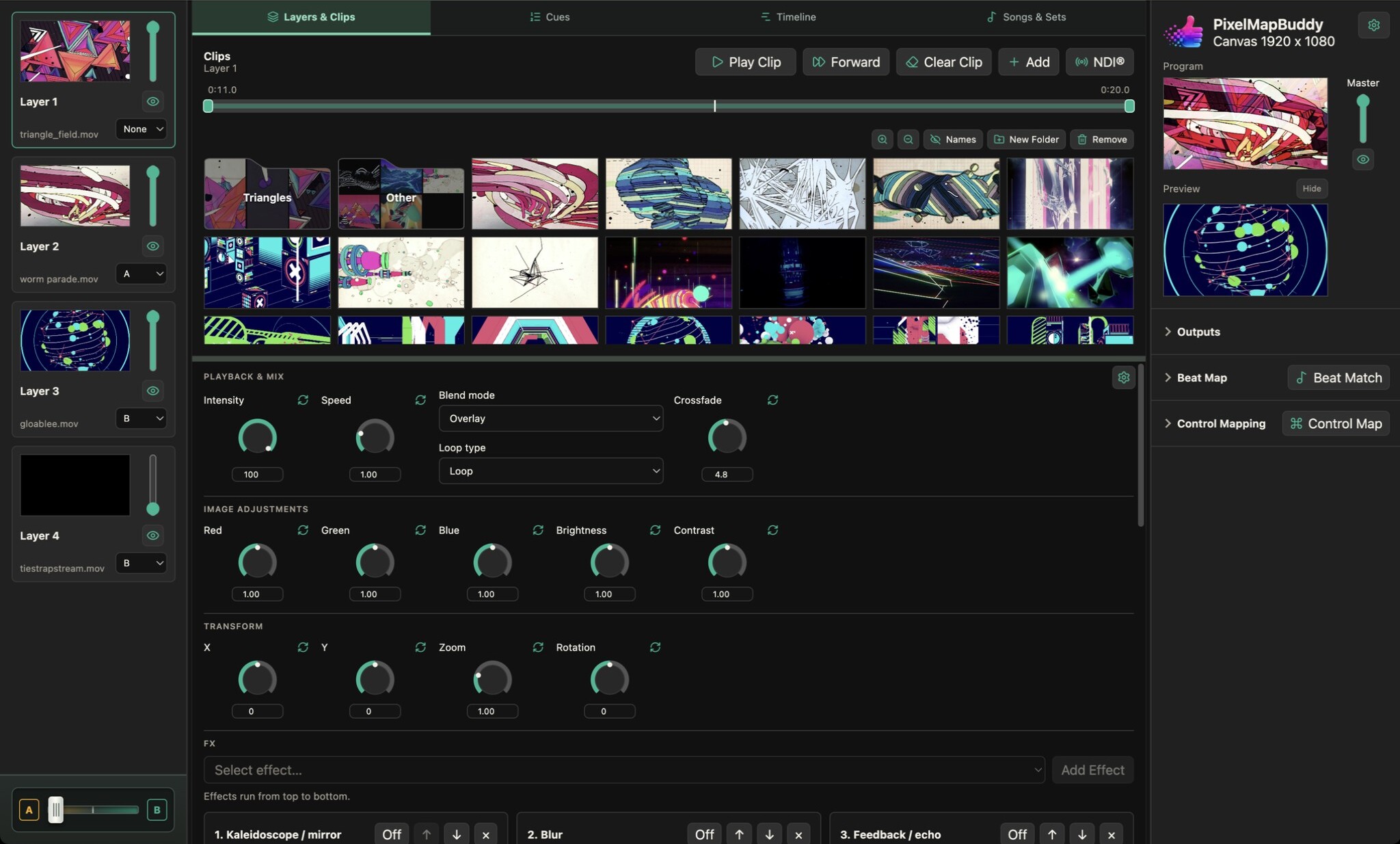
Assign layers to A and B groups and use the A/B crossfader to move between visual looks during your performance.
- Prepare two sides of the mix. Use each layer’s group selector to assign it to A, B or None. Build different looks on the two sides while retaining control of individual layers.
- Fade between looks. Move the A/B crossfader to blend the two layer groups. Layers assigned to None stay outside the group fade so shared content can remain in the mix.
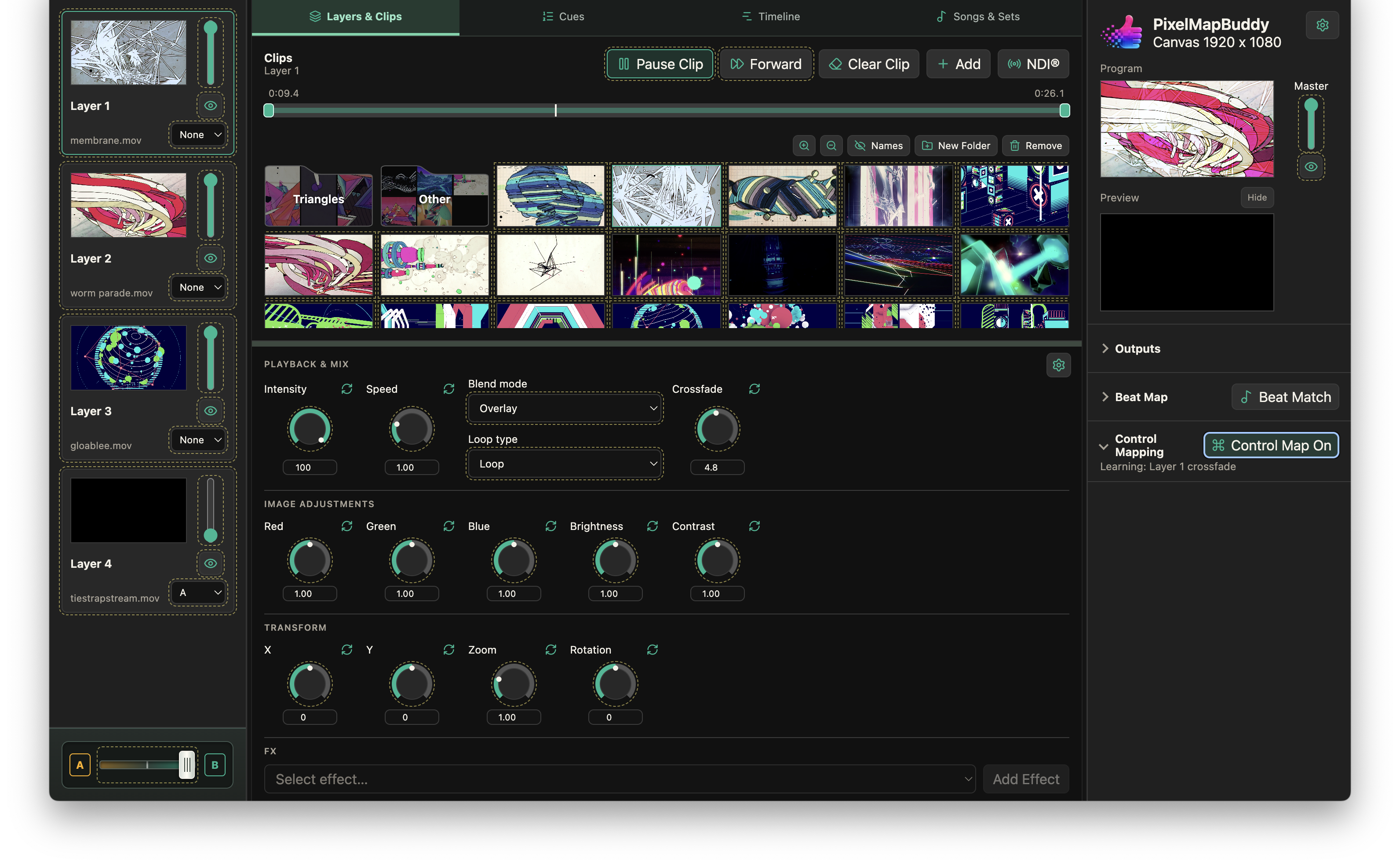
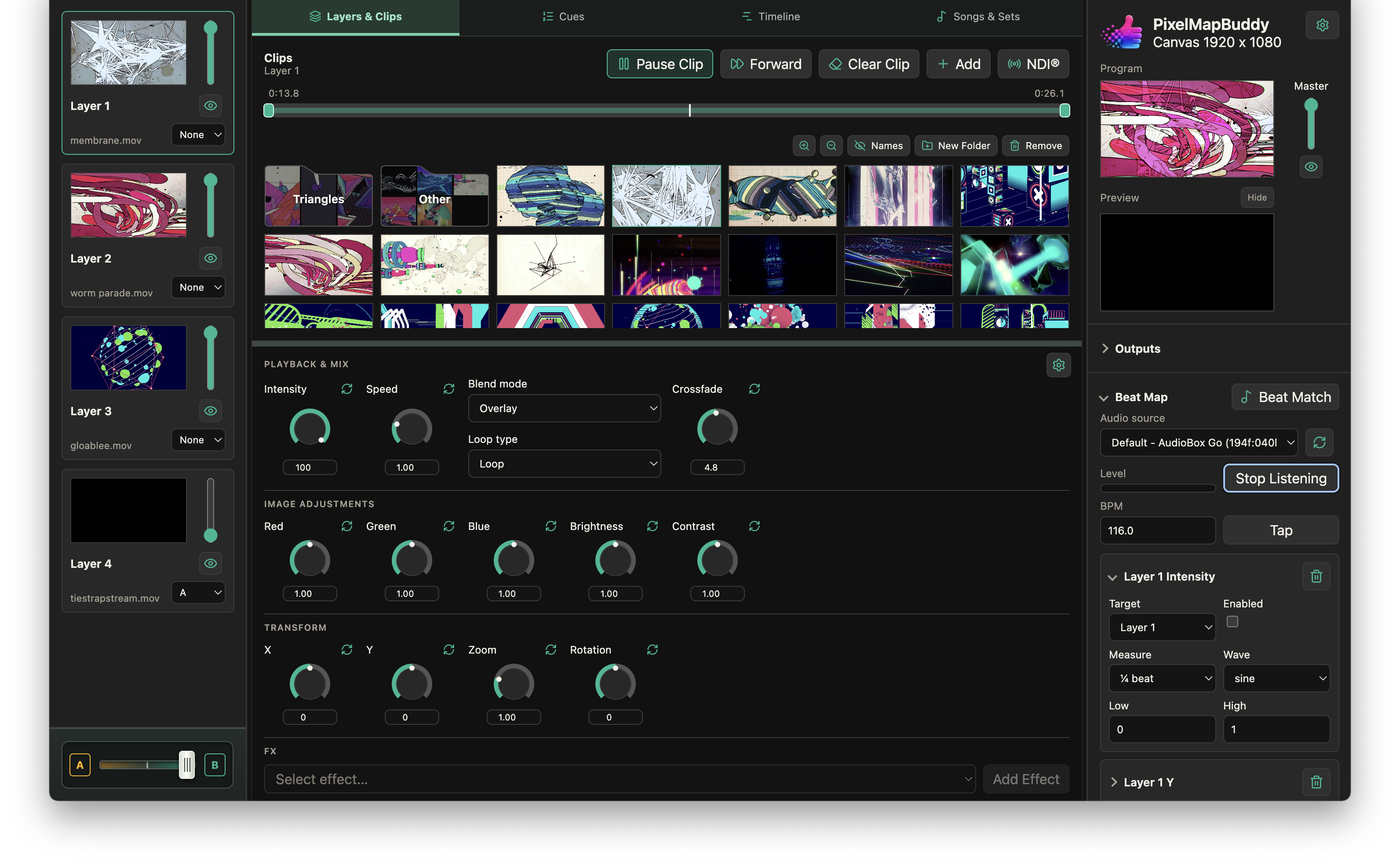
- Put the fade on a controller. Operate the crossfader in the workspace or assign it with Control Map. Standard and Pro can also use Beat Match for tempo-driven movement.