Pro
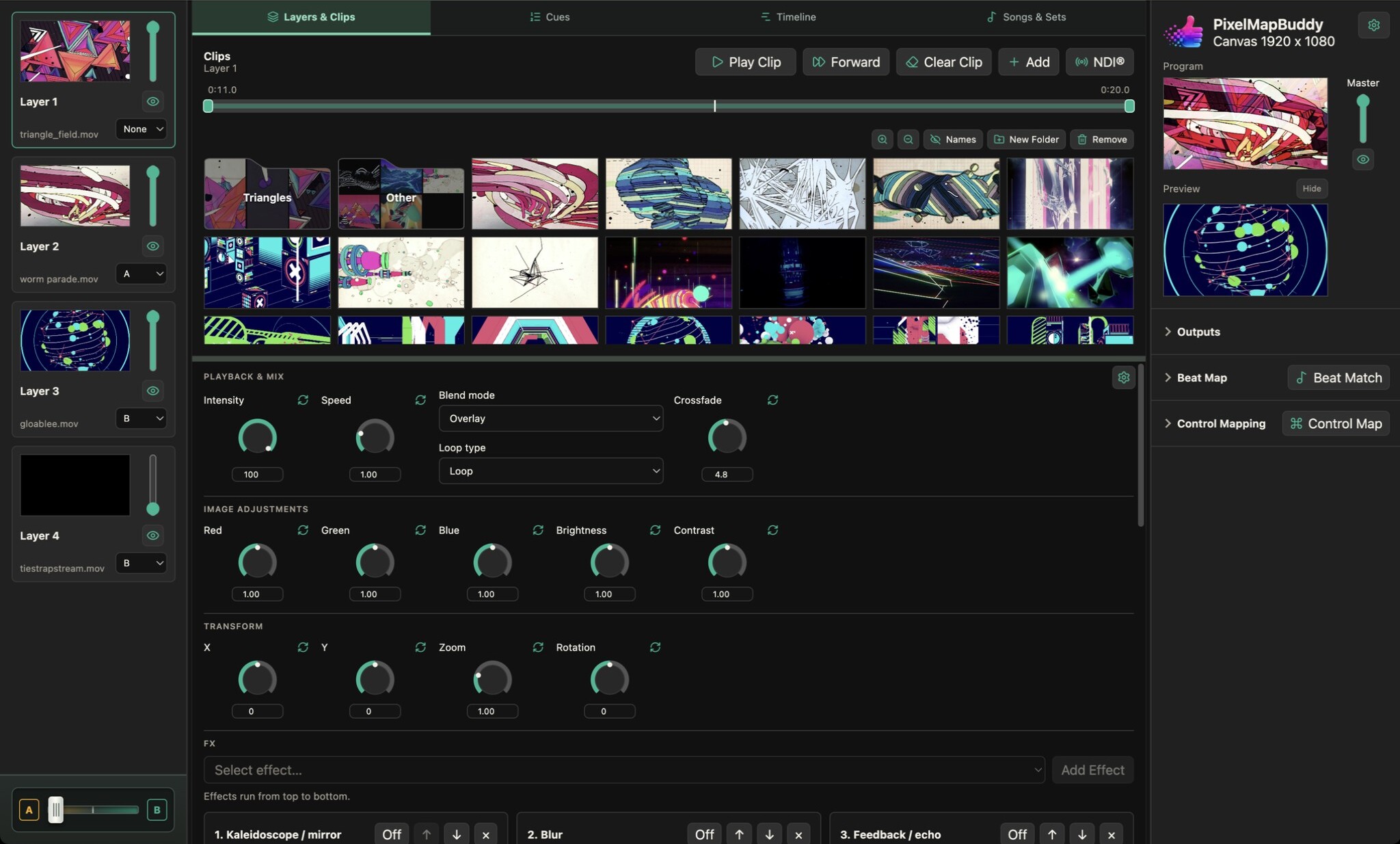
Receive live NDI video into your layers and send your composition as an NDI stream with Pixel Map Buddy Pro.
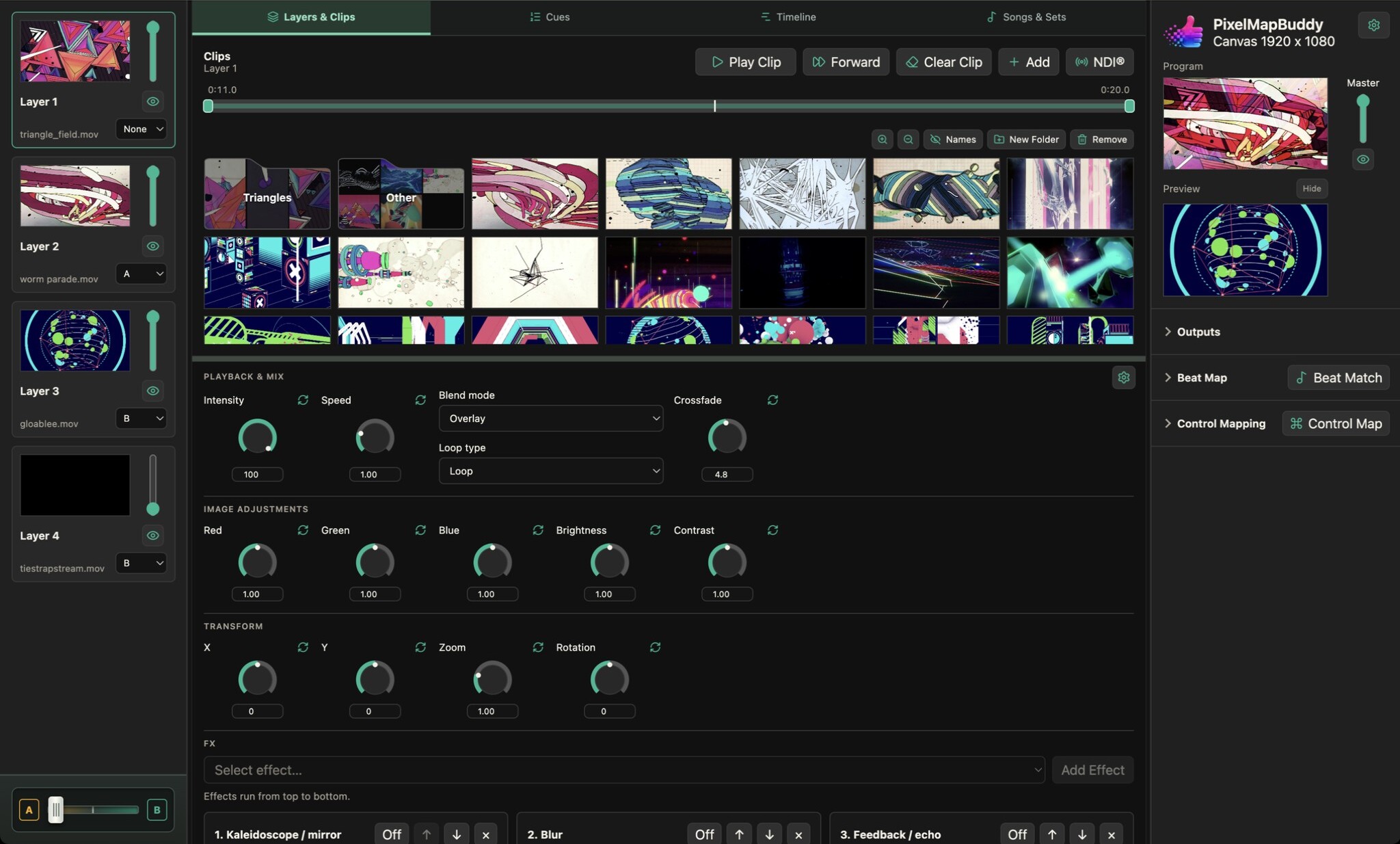
- Bring live video into the mix. Open the NDI source picker, discover available sources and add a live source to your media library. Combine it with clips and still images on other layers.
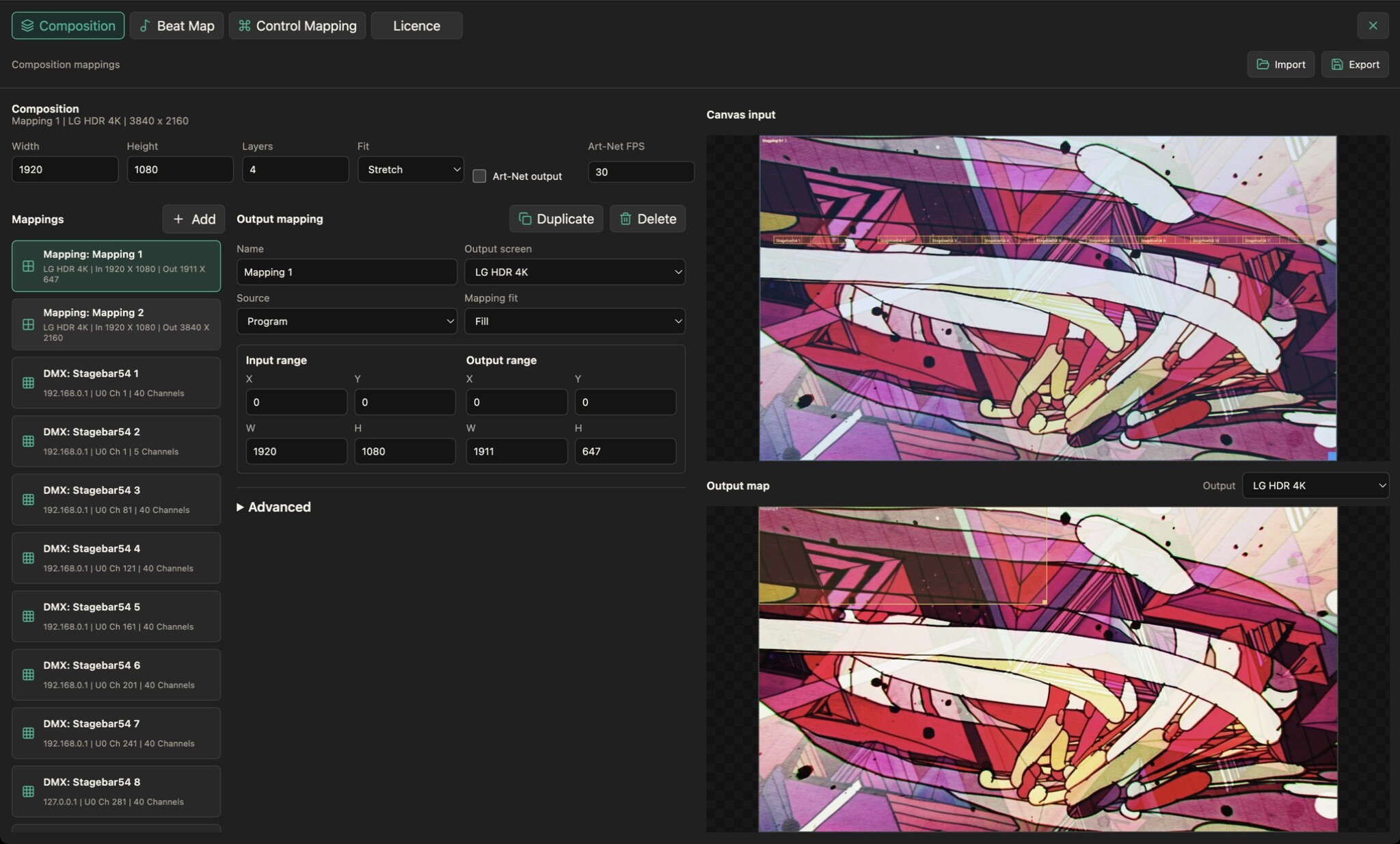
- Send the composed output. Choose NDI as an output mapping destination, set the stream name and frame rate, and start output when ready.
- Prepare the connection. Install a supported NDI runtime or select its library file in the app. Live sources need a reachable sender; pausing an NDI layer freezes its last frame. NDI input and output require Pro; their controls remain visible but disabled in Free and Standard.