Free · Standard · Pro
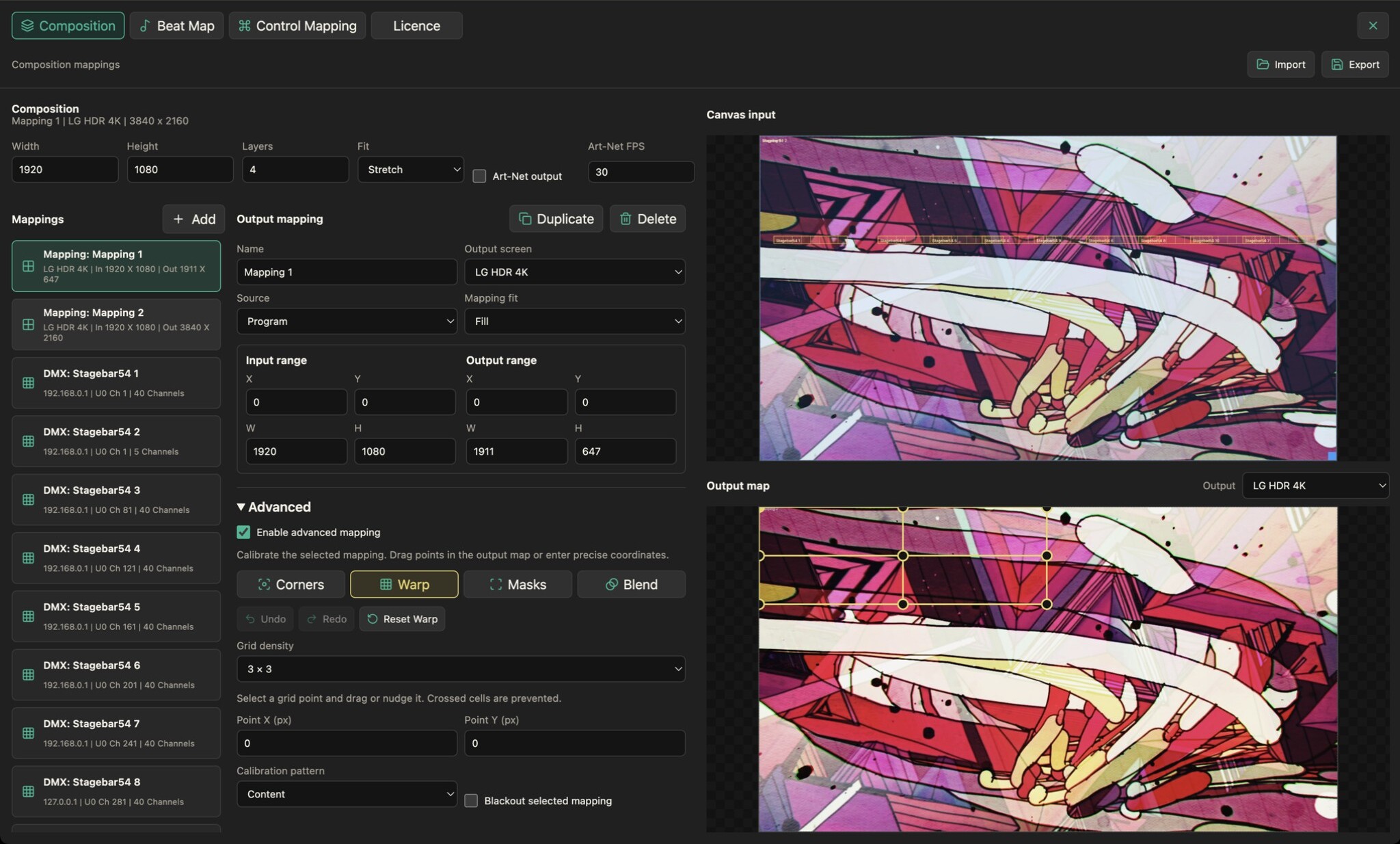
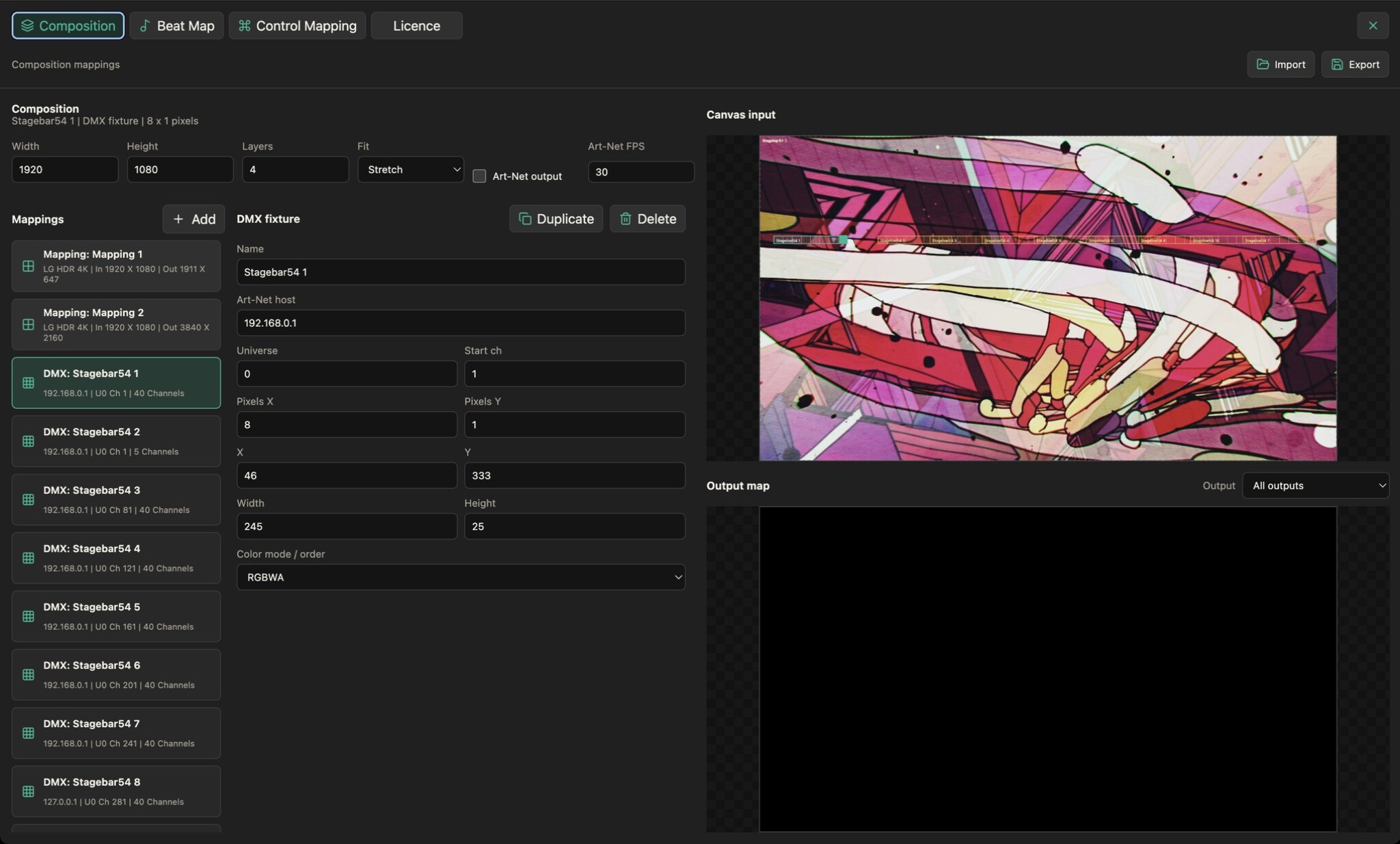
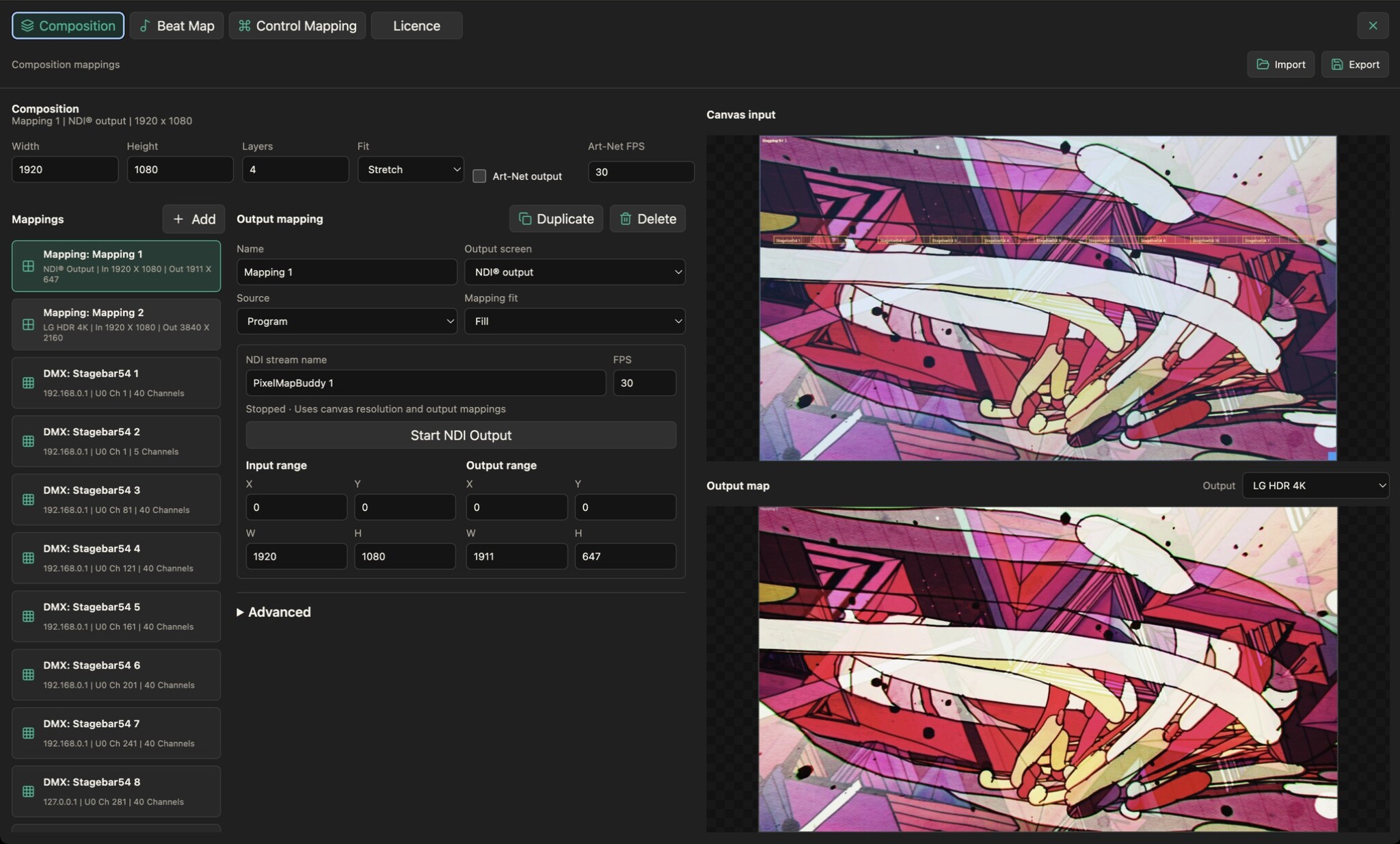
Route your composition to output screens and choose source and destination regions to fit the visuals to your display layout.
- Choose a destination. Create named output mappings and select the output screen for each mapping. Route the full composition or an available source to the destination.
- Set the image region. Adjust input and output ranges and select the mapping fit. Keep the canvas layout separate from where the image appears on a display.
- Refine projection in Pro. Pro adds perspective correction, mesh warping, masking and edge blending. Basic output mapping is available in every edition; advanced controls stay visible when locked.