Free · Standard · Pro
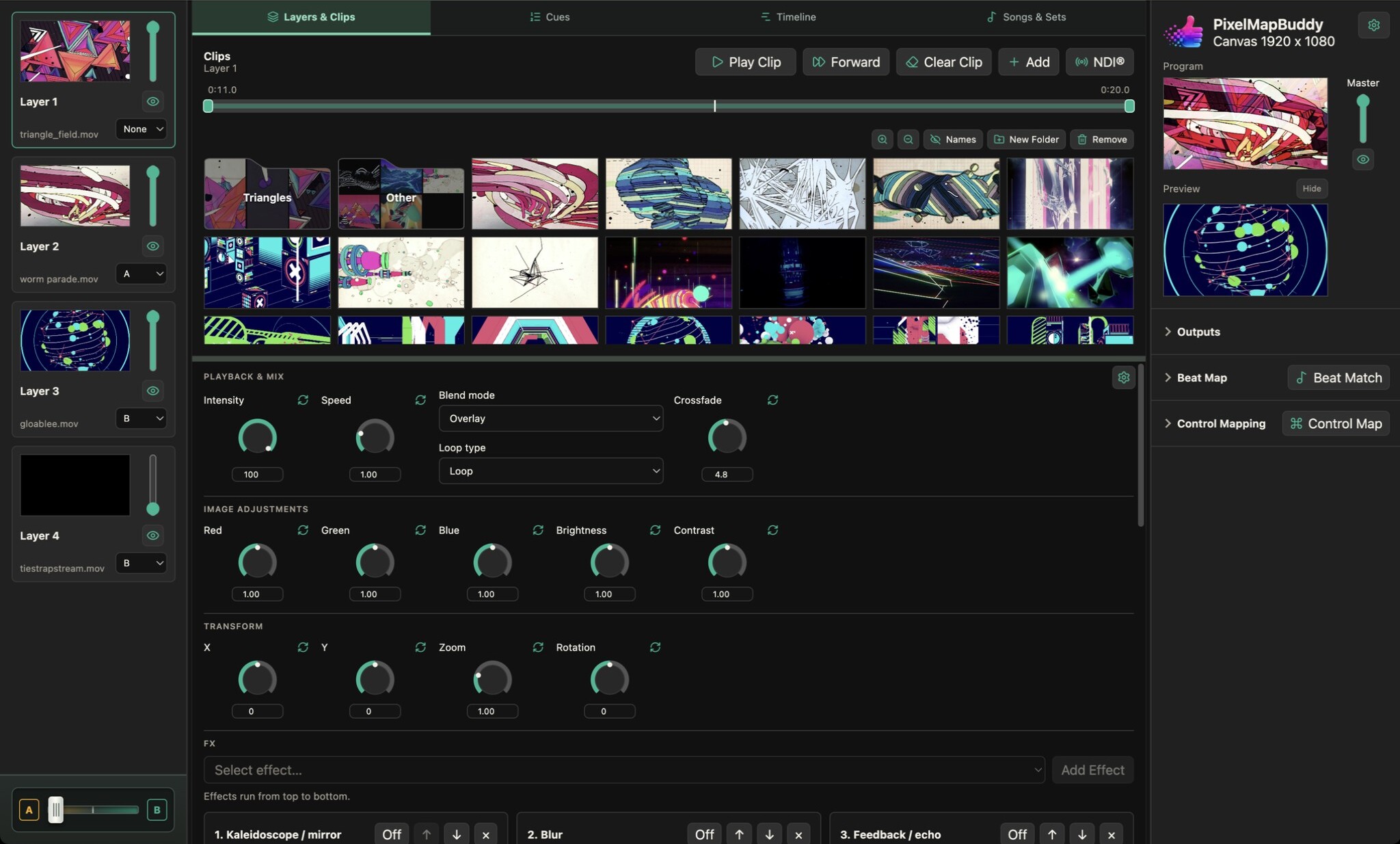
Position, zoom and rotate your video layers in Pixel Map Buddy to build a composition from the media in your show.
- Place each layer. Move the image horizontally and vertically with the X and Y controls, then use zoom to change its scale.
- Rotate the composition. Adjust rotation on the selected layer and watch the result in the programme preview. Combine transforms across layers to arrange your visual mix.
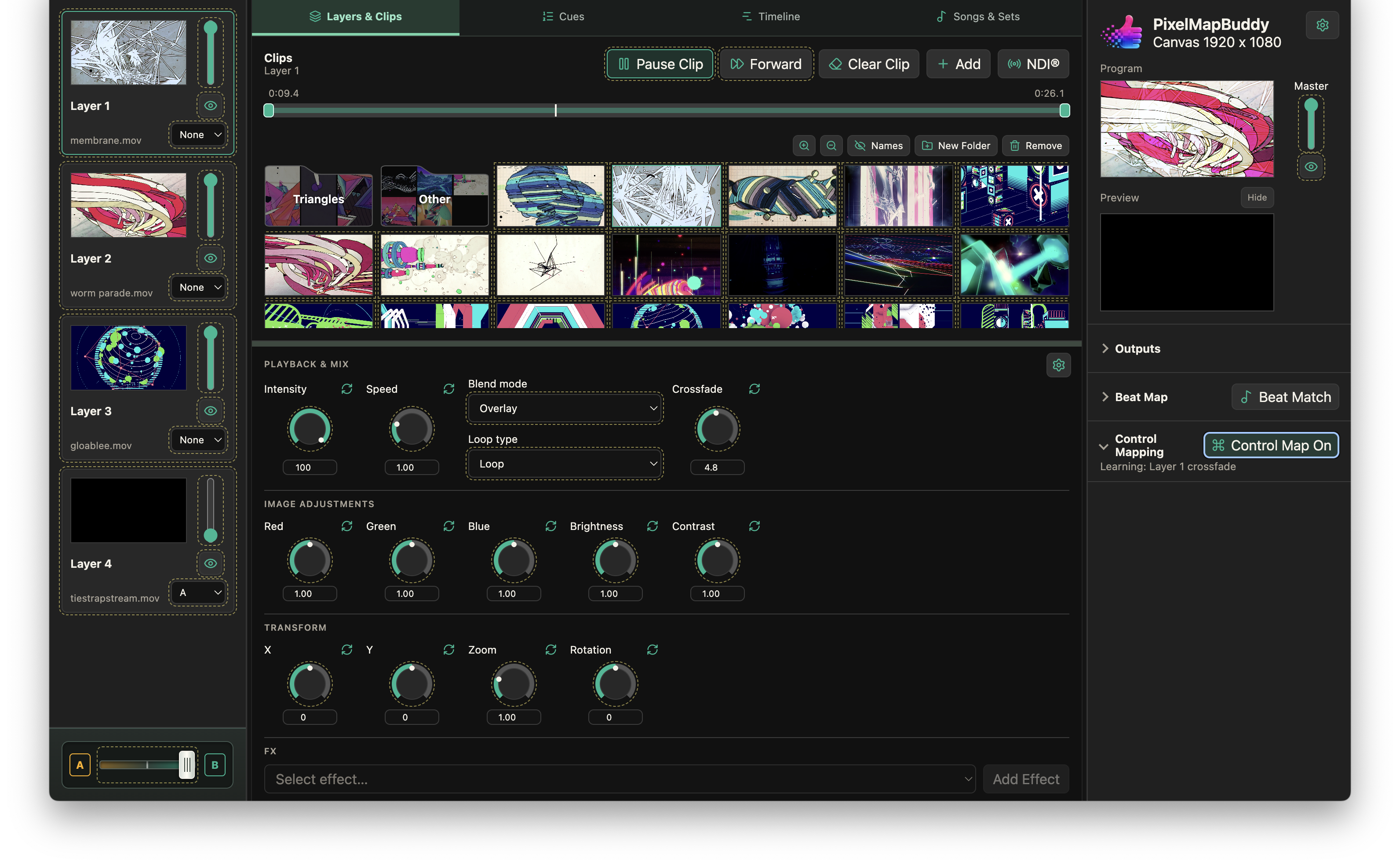
- Choose your controls. Work with horizontal or vertical sliders, dials or compact dials. Reset parameters individually and connect supported transforms to Control Mapping.